The Best AI Running Coach for Samsung Galaxy Watch Users in 2026
Galaxy Watch is a capable running device on Android. The question for runners is how to get its data to a coach, and what the watch was never meant to do.
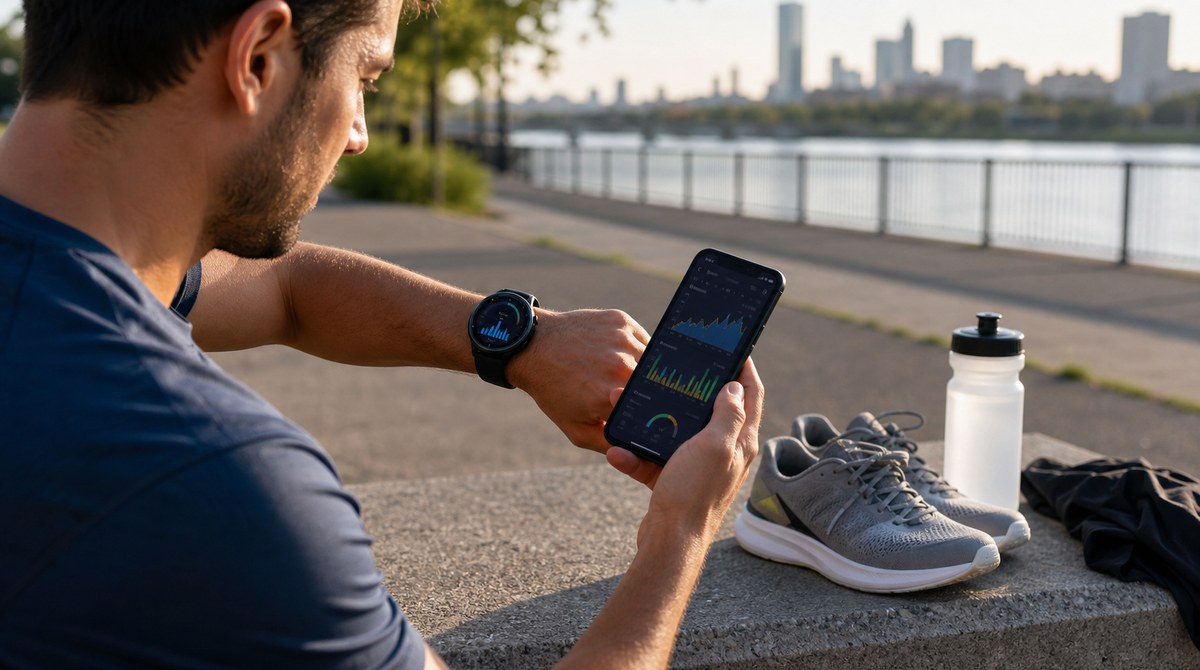
Galaxy Watch is the default running companion for a large share of Android runners. It records solid GPS, heart rate, and structured workouts, and it sits inside Samsung Health, which most Galaxy owners already use. The hardware is rarely the limitation. The limitation is turning those runs into a plan that actually progresses toward a goal.
Disclosure: The Running Genie is the app behind this site. This article explains the Galaxy Watch plus coaching setup honestly, including where data sharing on Android can be fiddly, rather than promising a frictionless one-tap integration.
1. What Galaxy Watch does well for runners
Galaxy Watch covers the running fundamentals: GPS distance and route, pace and splits, continuous heart rate, and guided workouts on the wrist. For most runners, that data is accurate enough to anchor a training plan, and it lands in Samsung Health automatically.
2. Where Galaxy Watch stops
Samsung's own software is built around recording activity and showing fitness trends, not around a progressive, race-specific plan that rewrites itself when a week goes sideways. That coaching layer, the part that says what to run tomorrow and why, is what most Galaxy Watch runners end up looking for elsewhere.
3. How the data reaches a coach: Samsung Health and Health Connect
On Android, the practical path runs through Health Connect, the shared health data layer. Galaxy Watch runs recorded in Samsung Health can be shared into Health Connect, and a coaching app that reads Health Connect can then use those workouts with permission.
It is worth being honest that this can be fiddly. Whether a given run shows up depends on app versions and on which data each app chooses to write and read, so it is sensible to confirm the sync during setup rather than assume it. When it works, the runs flow without Strava in the middle, although Strava stays available as an alternative path.
4. The right Galaxy Watch coaching setup
- Galaxy Watch for accurate runs, heart rate, and workout execution.
- Samsung Health plus Health Connect as the shared layer that passes workouts along.
- A coaching app that reads Health Connect and turns runs into adaptive paces and a plan that adjusts.
5. What to look for in the coaching layer
Since the watch is a strong data source, the coaching app is where the value is decided. Look for paces anchored to recent performance rather than guesses, conservative progression that protects against injury, and sensible handling of missed runs. Most of the week should still be easy running, which is the point of the heart rate zone guide, and a clean read of the numbers matters too, as in running analytics explained.
6. Where The Running Genie fits
On Android, The Running Genie can read runs through Health Connect, which is the route Galaxy Watch data takes by way of Samsung Health. From there it turns runs into adaptive training paces and plan updates, keeping progression conservative. The honest framing is the same as for any watch: the device records the run, Health Connect passes it along when configured, and the coaching layer decides the next session. For Android runners who do not want a watch in the loop at all, there is also the guide to coaching without Strava.
The Running Genie reads your runs through Health Connect on Android and turns them into adaptive paces and plan updates. Free to download, with Strava, Garmin, Polar, Suunto, Apple Health, Health Connect, and file-upload paths depending on platform and device.
Galaxy Watch captures the run well. The coaching layer is what turns a pile of good data into a plan.
Let the watch record. Let a coach decide.