Garmin Coach vs an AI Running Coach: Which Plan Should You Trust?
Garmin Coach is free, capable, and already on the wrist. An AI coaching app adds adaptive planning across data sources. The right answer depends on how much flexibility a runner needs.
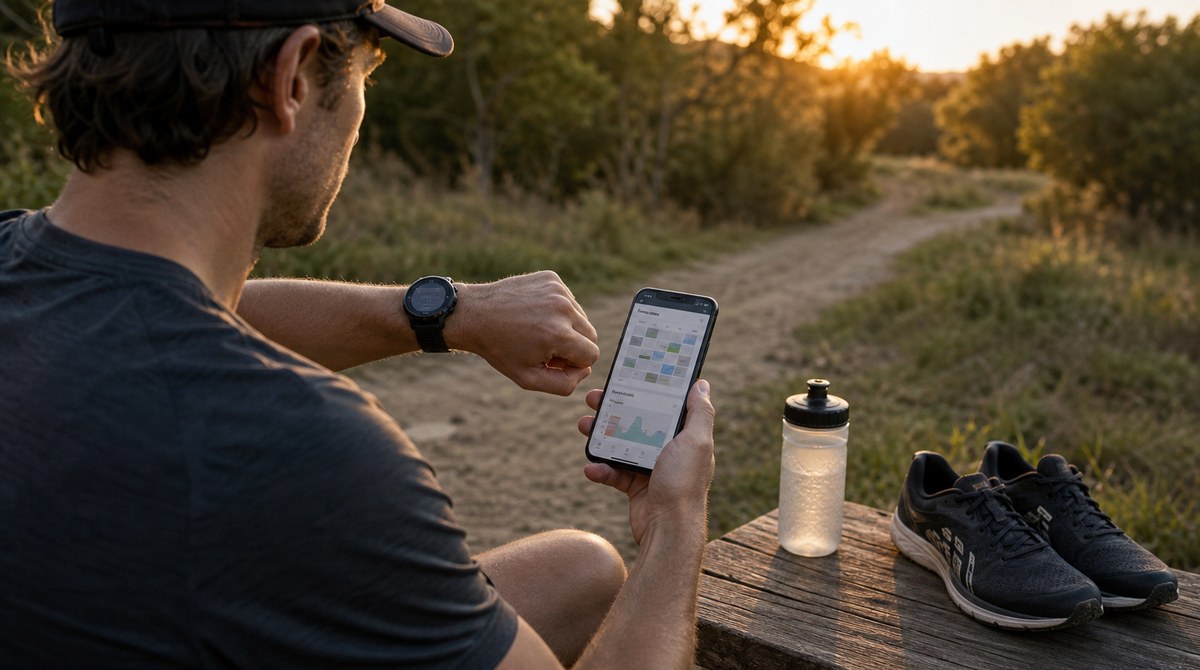
Garmin quietly built one of the most convenient coaching features in running. Garmin Coach plans and Daily Suggested Workouts are free, built into the watch, and adapt to recent training. For a lot of Garmin owners, that is more than enough, and any honest comparison should start there.
Disclosure: The Running Genie is the app behind this site, so it sits in the AI coach category. This comparison is meant to be fair to Garmin's built-in coaching, which is genuinely good for many runners.
1. What Garmin Coach does well
The biggest advantages are convenience and price. Garmin Coach and Daily Suggested Workouts live on the watch, cost nothing extra, and react to recent training and recovery signals the watch already tracks. There is no second app to manage and no extra subscription. For a Garmin runner who wants structure without fuss, that is a strong default. The wider Garmin picture is in the Garmin running coach guide.
2. Where a watch-native plan is limited
A built-in coach is naturally bounded by the watch ecosystem. It works from what the watch sees, and it is less suited to shaping a plan around goals, constraints, and data that live outside Garmin. Runners who use multiple devices, or who want a plan that reasons about their broader history and schedule, can find a watch-native plan a little rigid.
3. What an AI coaching app adds
A dedicated coaching app can read from several sources, set paces from a recent benchmark, and adapt the plan around missed runs and specific goals. The cost is that it is a separate app rather than something already on the wrist. The case for plans that reshape around real life is in adaptive vs static training plans, and pace logic anchored to performance is in the VDOT explainer.
4. Do not run two prescriptive plans at once
One practical warning: following Garmin Coach and a second prescriptive plan at the same time is a recipe for conflicting hard days and accidental overload. Pick one source of truth for the plan. It is fine to let another app analyze runs, but the instructions should come from a single place.
5. How to choose
Choose Garmin Coach if: you want free, convenient, watch-native structure and live mostly inside the Garmin ecosystem.
Choose an AI coaching app if: you want multi-source data, performance-based paces, and a plan that adapts around goals and missed runs.
Either way: commit to one plan as the source of truth and keep most running easy.
6. Where The Running Genie fits
The Running Genie is in the AI coach category: it reads runs, including from Garmin, and turns them into adaptive paces and conservative progression. It is not trying to replace the watch; it sits above it as the planning layer for runners who want more flexibility than a watch-native plan offers. The full integration, from direct Garmin sign-in to workouts pushed back to the watch, has its own page.
The Running Genie turns your runs, including Garmin runs, into an adaptive plan with performance-based paces. Free to download, with Strava, Garmin, Polar, Suunto, Apple Health, Health Connect, and file-upload paths depending on platform and device.
Garmin Coach is an excellent free default. An AI coaching app is the upgrade for runners who want a more adaptable plan across more data.
Pick one plan to trust. Then let the data keep it honest.